

Free Income and Expense Tracker Template for Easier Budgeting
Money gets slippery when you don’t write it down. One forgotten subscription, one late invoice, one “small” weekend splurge, and the month stops making sense.
A lot of people think they need more discipline. Most of the time, they need one clear place to track what comes in and what goes out. A free income and expense tracker template does that without turning your life into a full-time bookkeeping project.
If your numbers feel harder to follow than they should, the fix is often simpler than you think.
What an income and expense tracker template should do for you
A good tracker should answer basic questions fast:
What did you earn,
what did you spend, and what’s left?
When those answers are easy to find, budgeting feels less like guesswork and more like a calm monthly check-in.
Free income and expense tracker
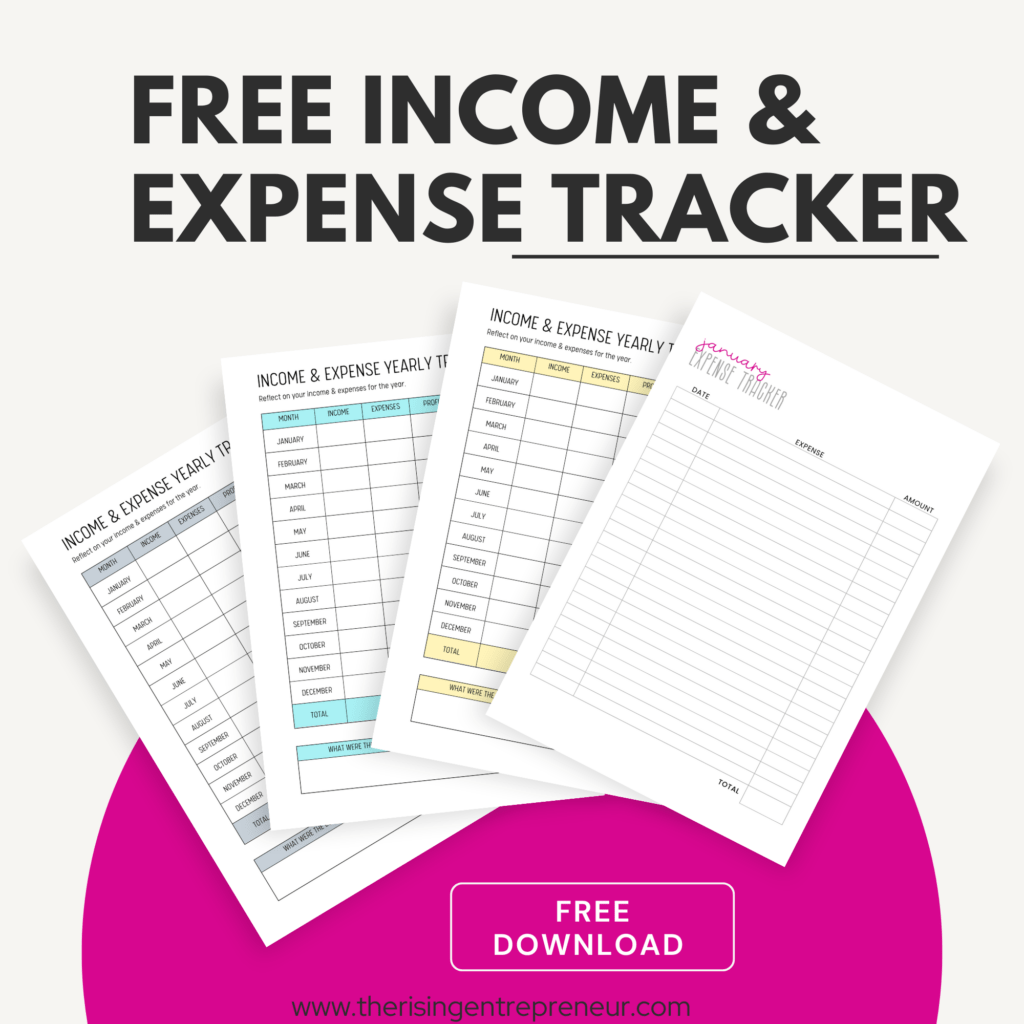
Pop in your email address and I’ll send the tracker straight to your inbox.
See exactly where your money comes from and where it goes
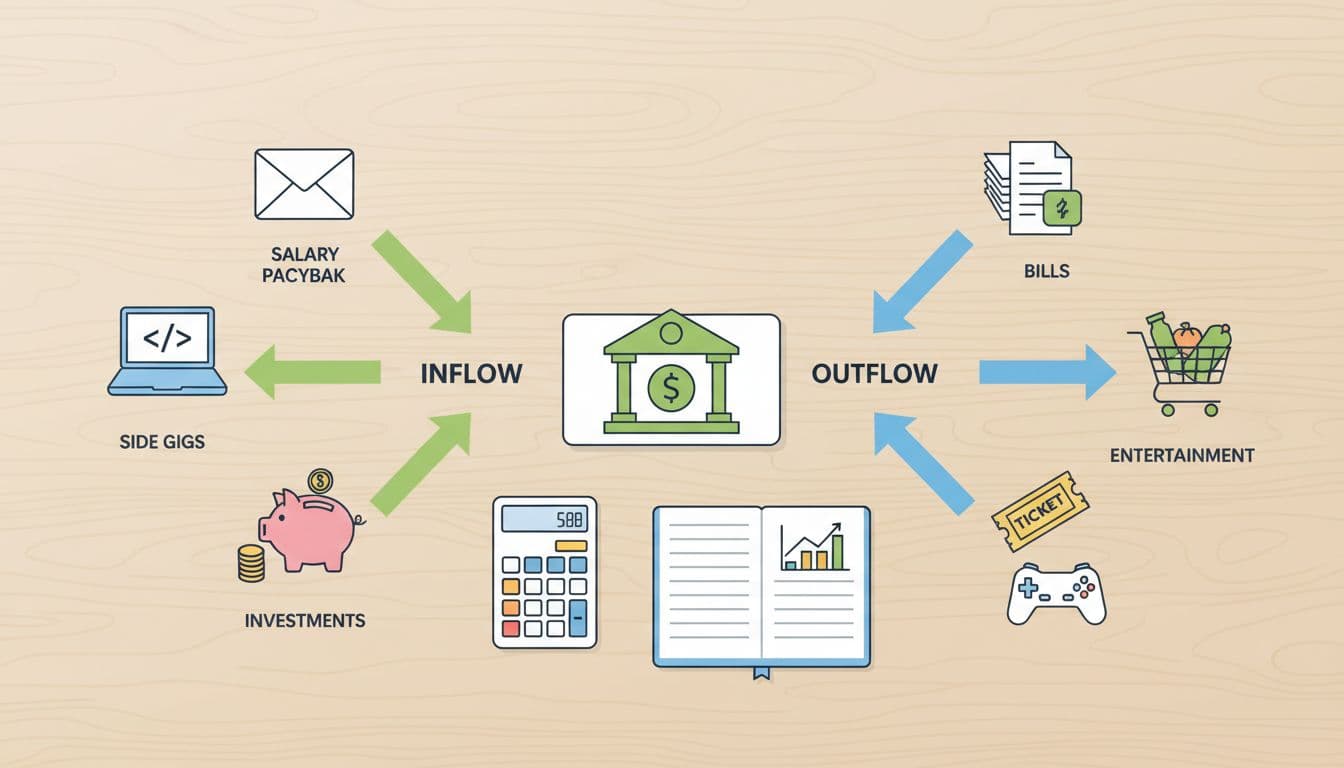
Income tracking sounds fancy, but it isn’t. It means writing down every paycheck, client payment, side gig deposit, refund, or cash payment in one place. Expense tracking is the same idea on the other side, bills, groceries, gas, software, coffee runs, and everything else that leaves your account.
That matters because memory lies. The brain remembers the big bills and forgets the leaks.
A simple template gives each transaction a home. Instead of checking three apps, two email threads, and your bank history, you can scan one sheet and see the whole month at once.
Make tax time and monthly reviews much easier
Clean records save time later. That’s true if you’re managing a household budget, freelancing on the side, or running a small business from your laptop and kitchen table.
When tax time shows up, you don’t want to scroll through months of card charges wondering, “What was that one for?” A tracker helps you keep expense categories, dates, and notes together. If you need a quick profit check, the math is sitting there already.
A good record also makes monthly reviews less messy. You can spot which bills are fixed, which costs moved around, and where your money got away from you. Less guessing, less backtracking, less stress.
Stay on top of cash flow before problems start
This is where a tracker pulls its weight. You might be earning enough on paper and still feel squeezed because the timing is off. Rent is due on the first. A client pays on the ninth. Your car insurance renews on the third. That’s a cash flow issue, not a mystery.
Tracking money on a regular basis helps you catch trouble early. You can see a slow month coming, notice overspending halfway through the month, or catch a missed payment before it snowballs into fees.
The best part is the peace of mind. You stop wondering if you’re fine and start knowing where you stand.
What to include in a simple tracker that actually works
A useful tracker should feel easy the first time you open it.
No giant dashboard stuffed with charts you won’t look at.
The best template keeps the fields clear, the layout clean, and the results visible.

Income fields that keep records clean and easy to sort
For income, you don’t need much. Start with the date, the source, the amount, the payment method, and a short note. That’s enough to tell you when the money arrived, where it came from, and how it was paid.
Those details become useful fast.
Expense fields that make spending easy to review
Expense tracking needs a little more structure, because spending gets messy fast.
How to use the template without getting overwhelmed
A tracker only works if you keep using it. The trick isn’t perfection. It’s building a small habit that doesn’t annoy you.

Choose a daily or weekly update routine
Waiting until the end of the month sounds efficient. It usually turns into a pile of receipts, vague memories, and one long Sunday night you dread.
Short check-ins work better. Five minutes each day, or 15 minutes once a week, is enough for most people.
Set a reminder on your phone, tie it to your Friday coffee, or do it right after paying bills. The habit matters more than the exact schedule.
Regular updates also keep the numbers honest. You catch errors while they’re fresh.
Keep categories simple so the data stays useful
Too many categories can break a tracker faster than too few. If every purchase needs a debate, you won’t keep up with it.
Start broad. Housing, groceries, transportation, utilities, subscriptions, business supplies, and fun money cover a lot. You can split categories later if you notice a real reason. Maybe “food” becomes “groceries” and “restaurants.” Fine. Do that after a pattern shows up, not before.
Simple systems stick. That’s the whole game.
Review the numbers each month and adjust as needed
Your monthly review doesn’t need to feel heavy. Look at total income, total spending, biggest categories, and anything that surprised you. That’s enough to make smarter decisions next month.
Maybe you notice that convenience spending jumps during busy workweeks. Maybe a subscription has quietly charged you for six months. Maybe your freelance income is solid, but late payments keep creating rough weeks in the middle of the month.
Small adjustments beat dramatic money resets. Trim one expense, move one due date, or build a small buffer for a slow month. That’s how tracking turns into better planning.
Get a free income and expense tracker
Keeping track of money can feel weirdly overwhelming… .
That’s exactly why I made this simple Income & Expense Tracker. Just an easy way to keep tabs on your income, spending, side hustle money, or business expenses
Start tracking before the numbers get fuzzy
Money feels stressful when it’s hard to see. A good income and expense tracker template fixes that by giving every dollar a place to land.
You don’t need a perfect system. You need one you’ll use next week, and the week after that. Better money awareness, easier budgeting, and cleaner records all start with the same small move: write it down.